Motive Zed
Patch guarantee. If a game patch breaks the skin, the fixed file shows up in My Skins.
Included with monthly Premium.
The latest .fantome file is in My Skins.
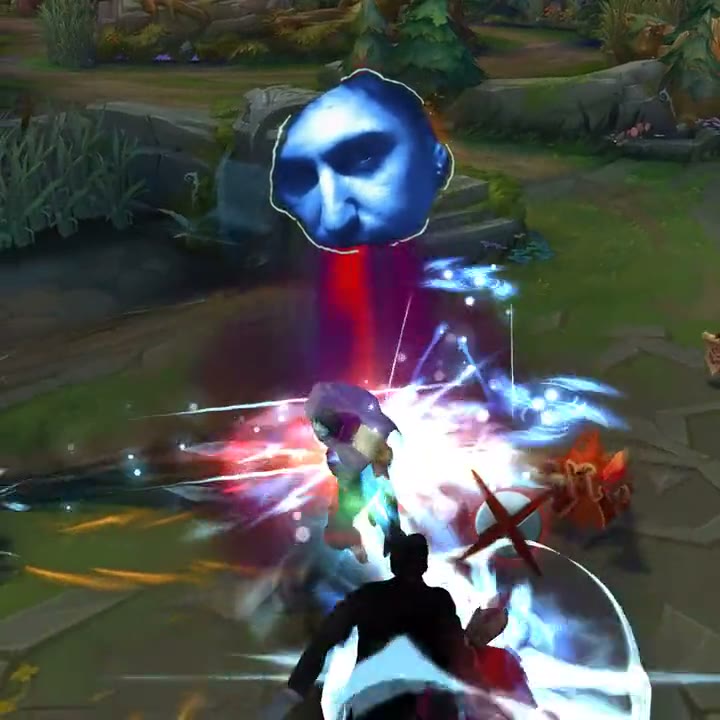
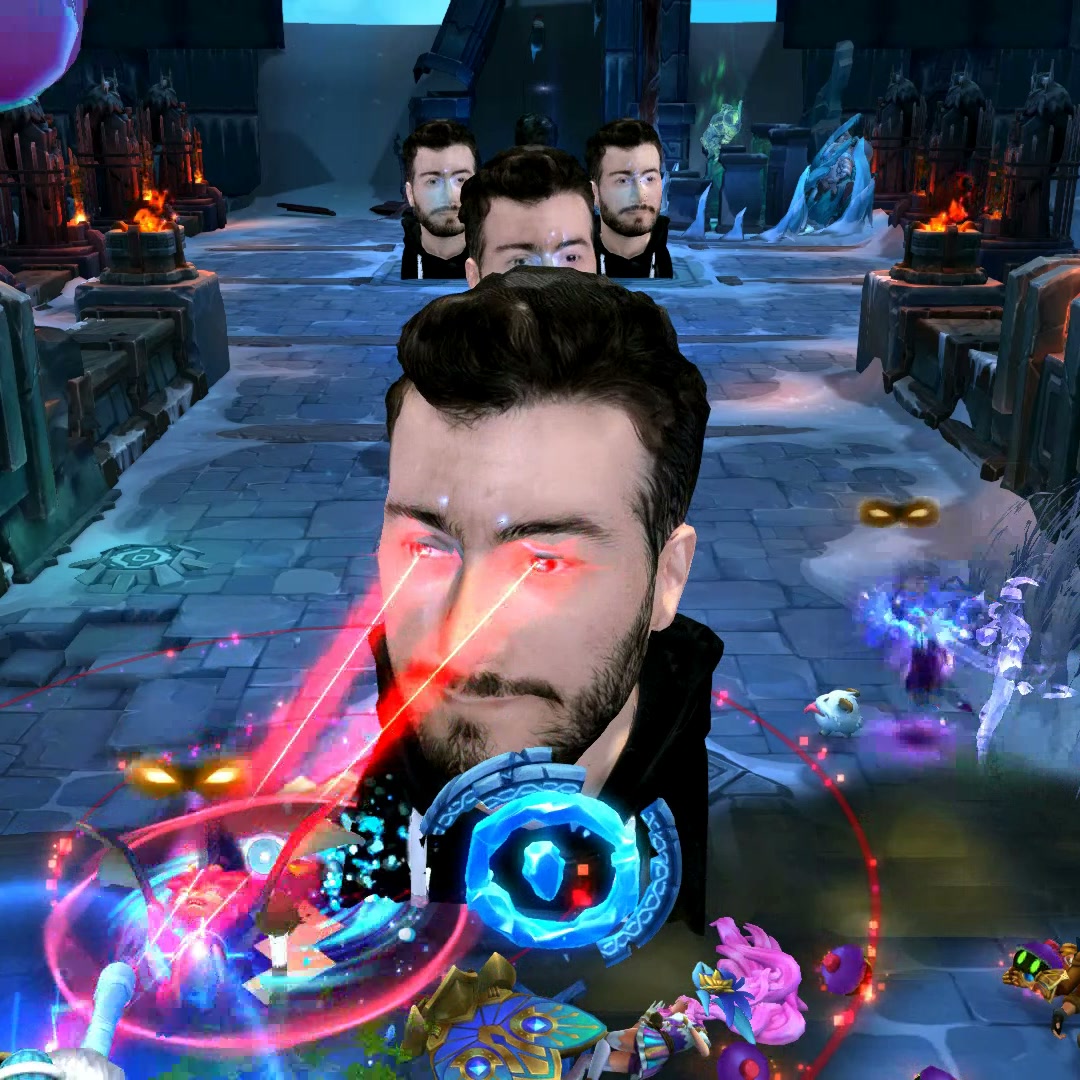
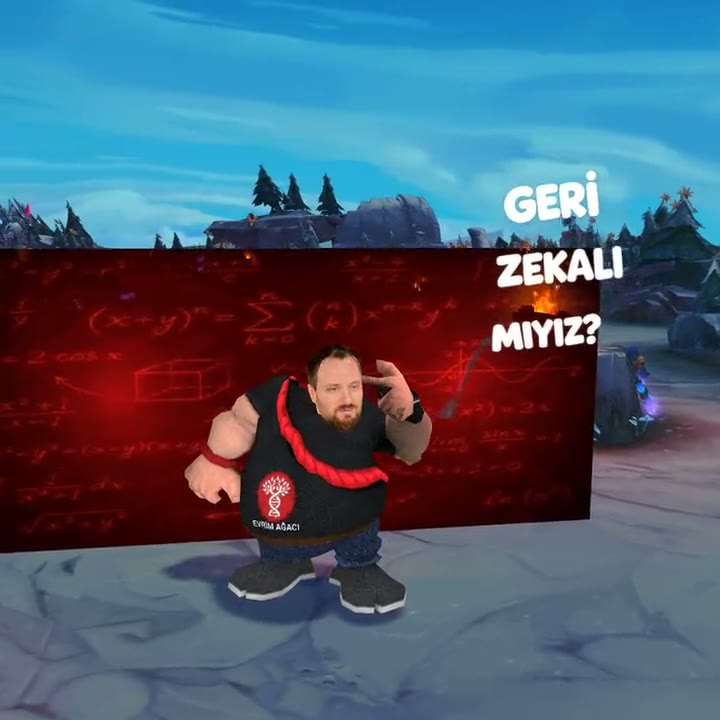
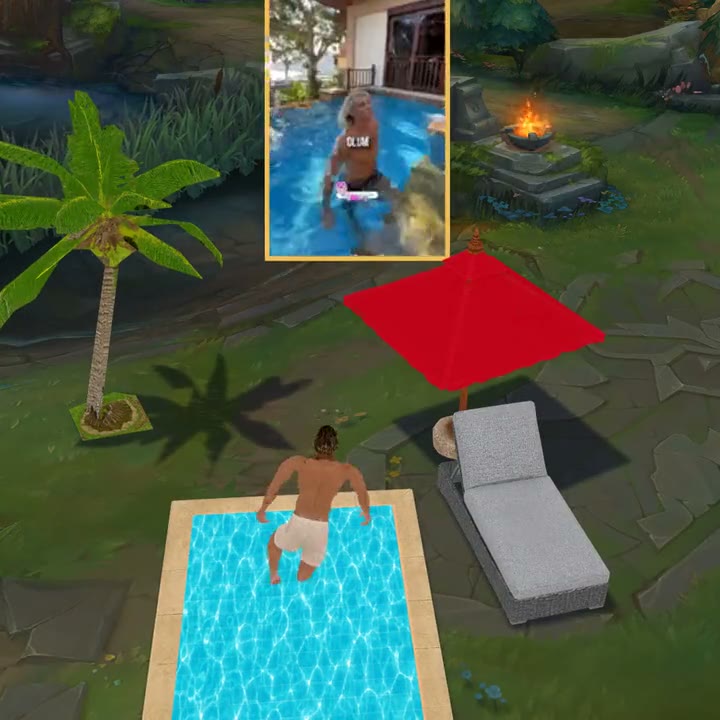
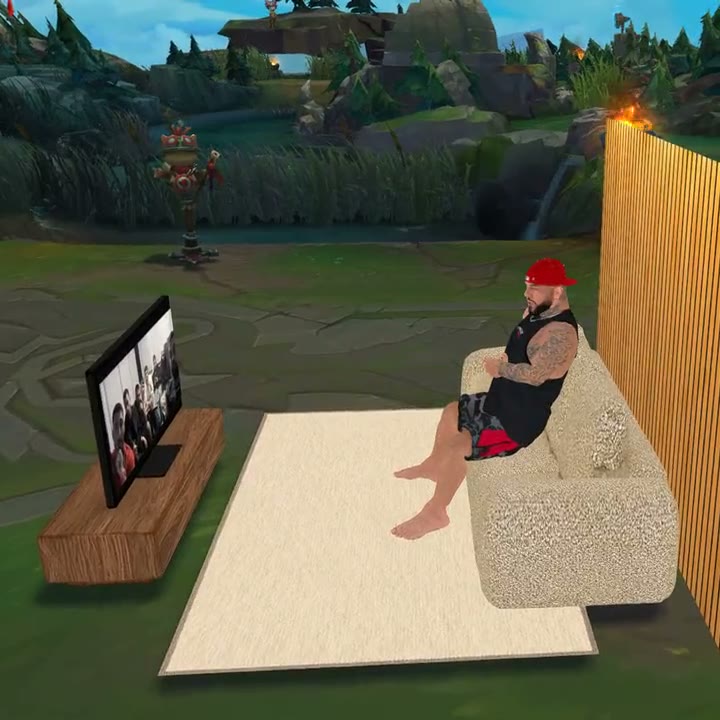
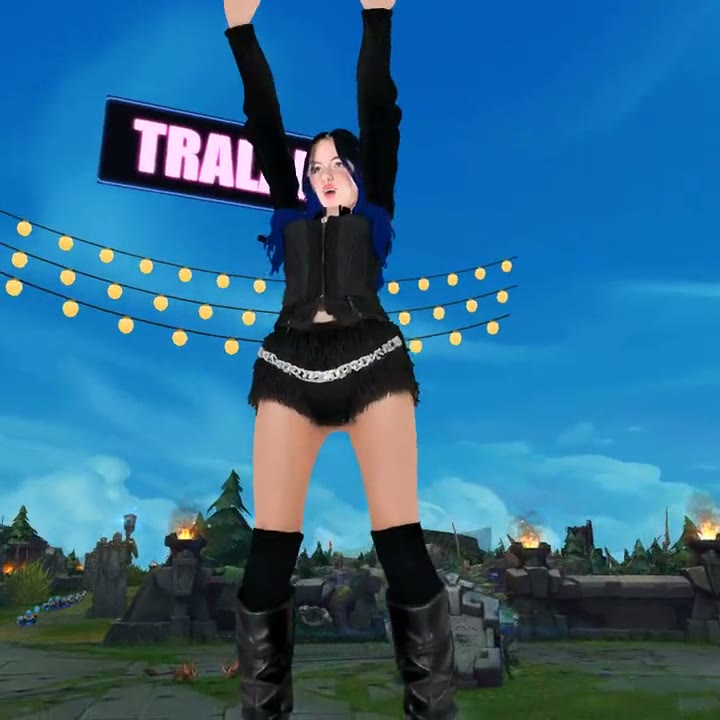
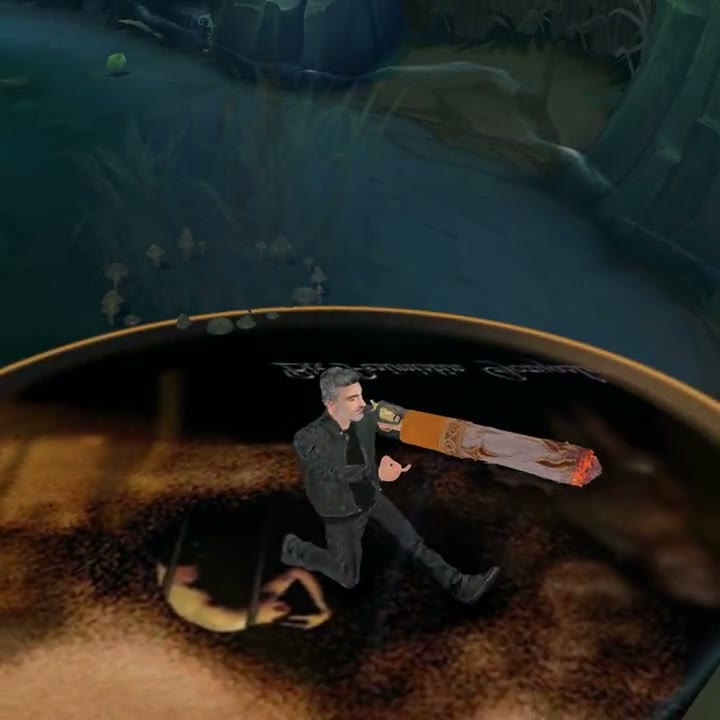
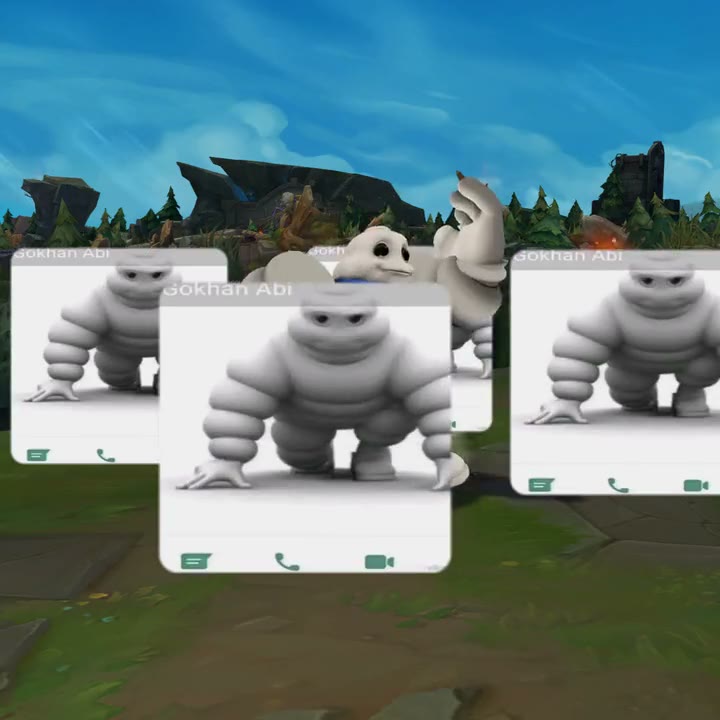
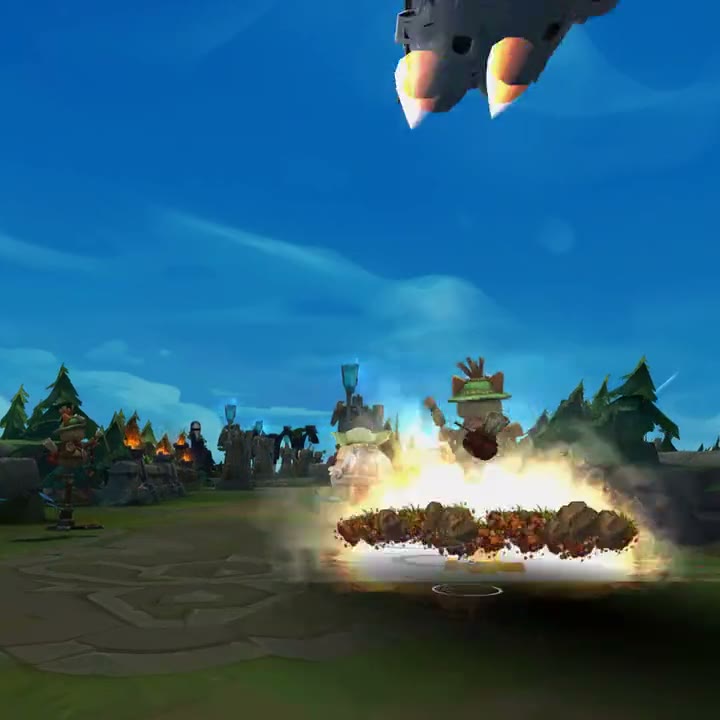
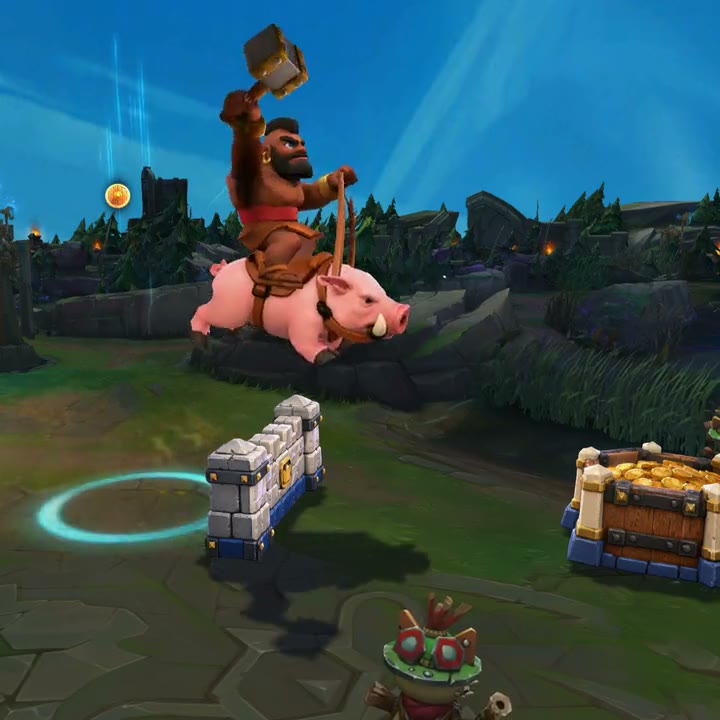
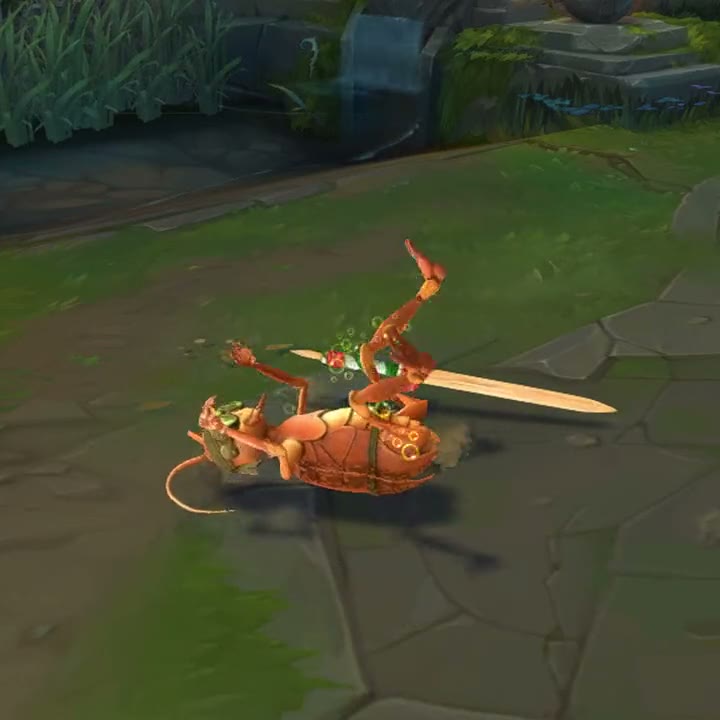
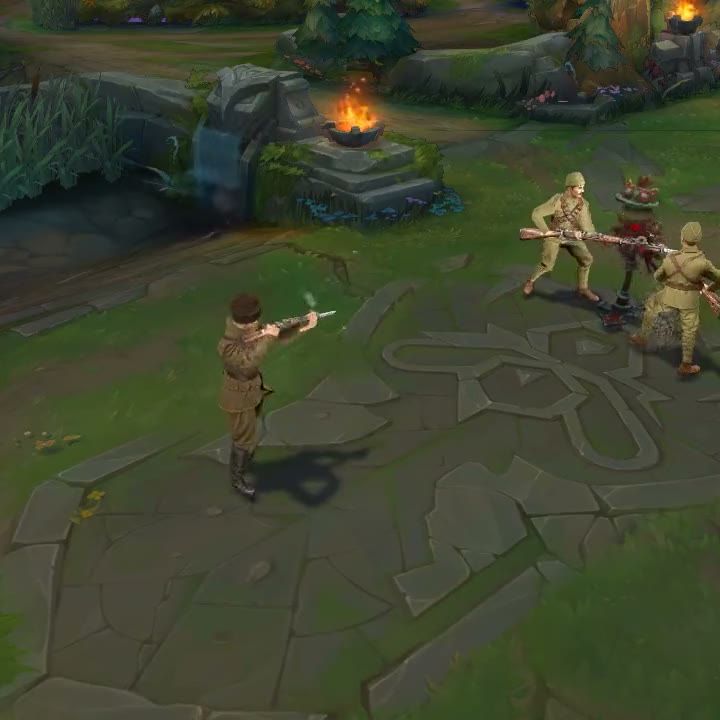
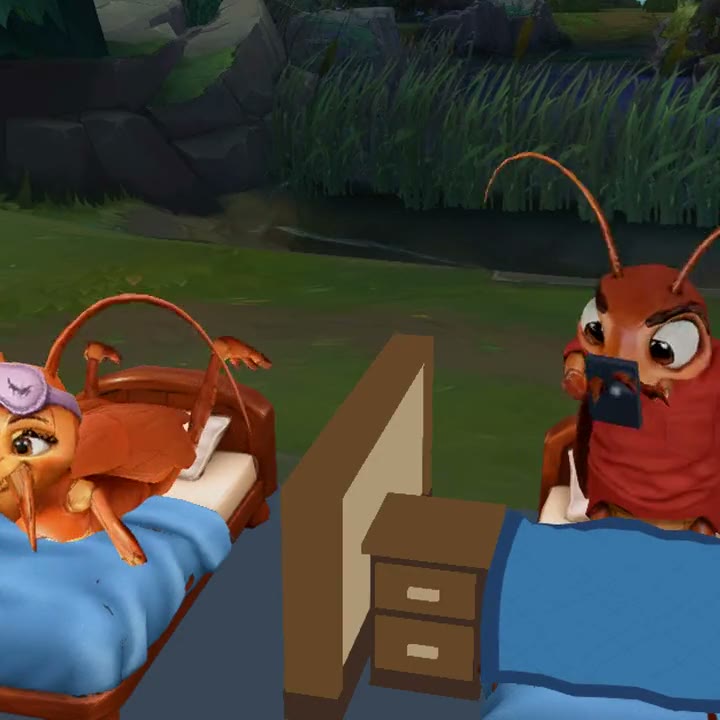
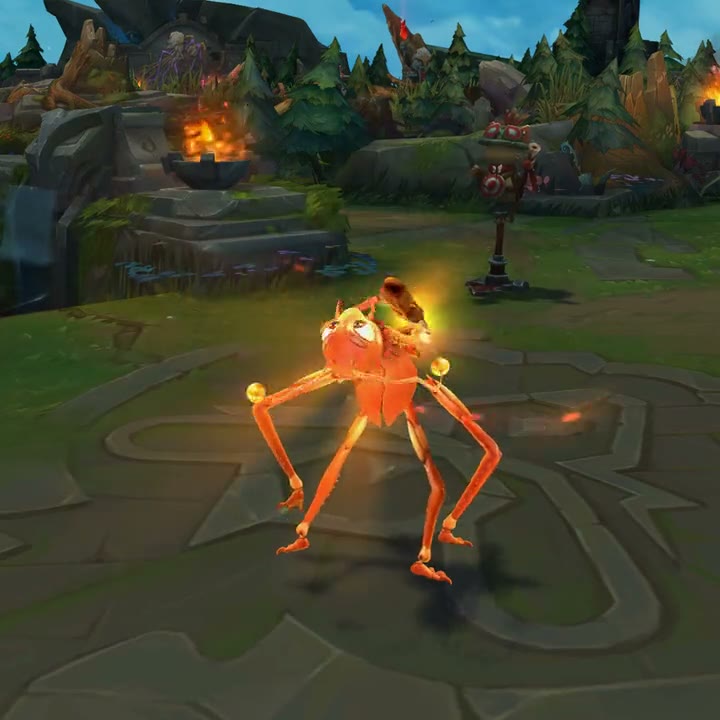
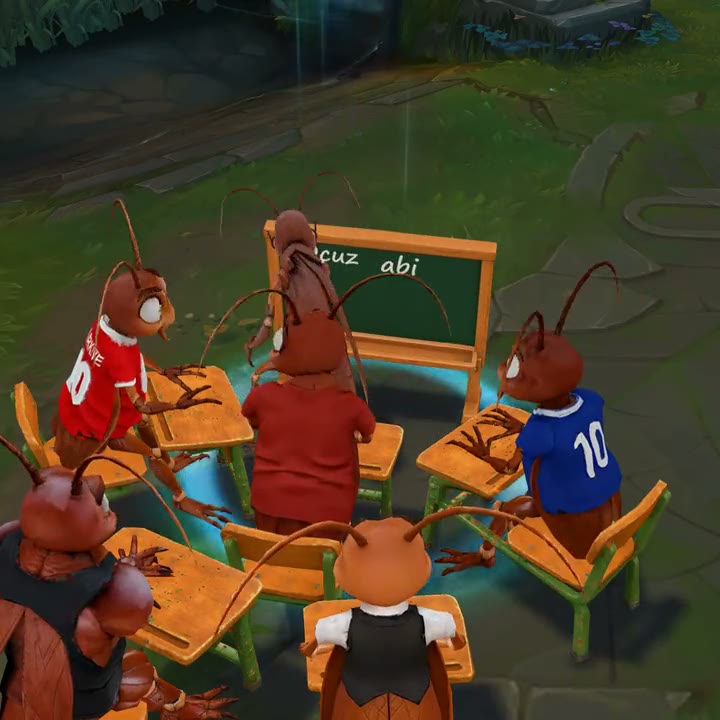
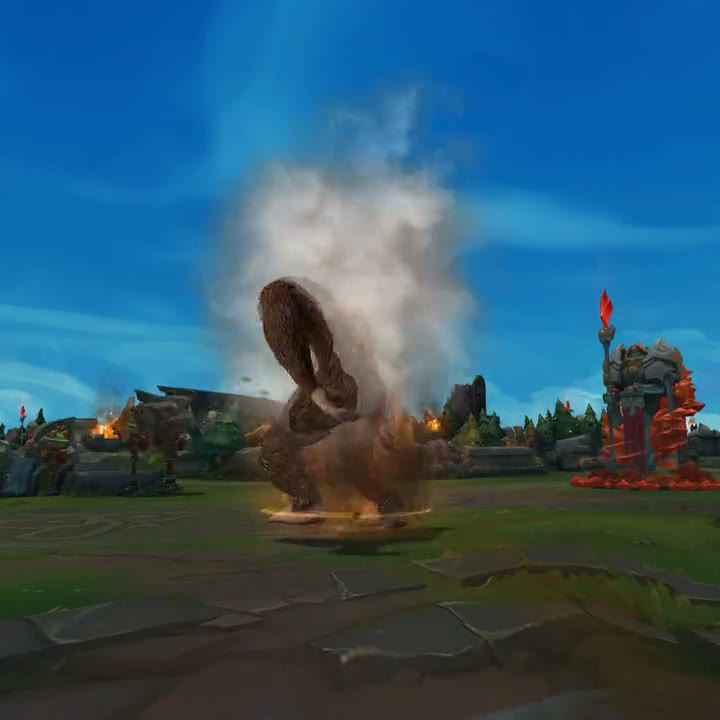
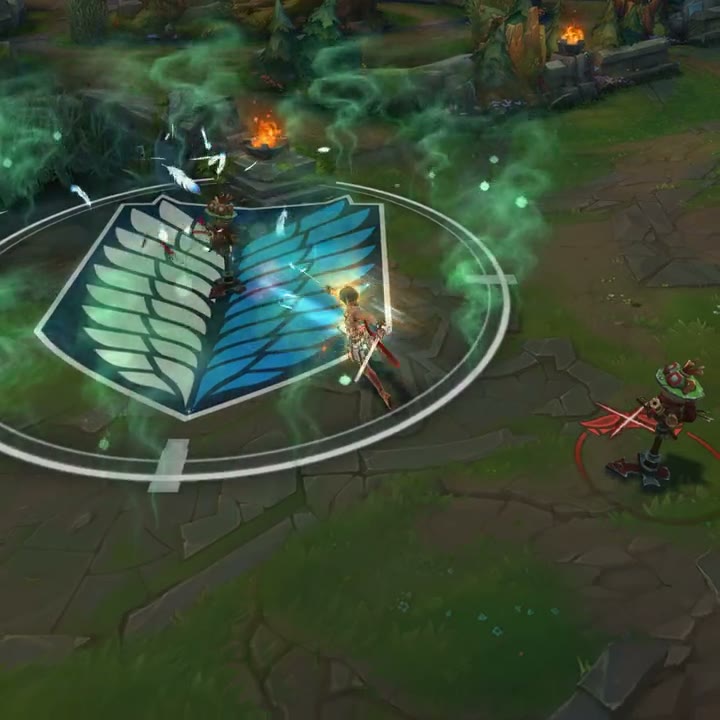
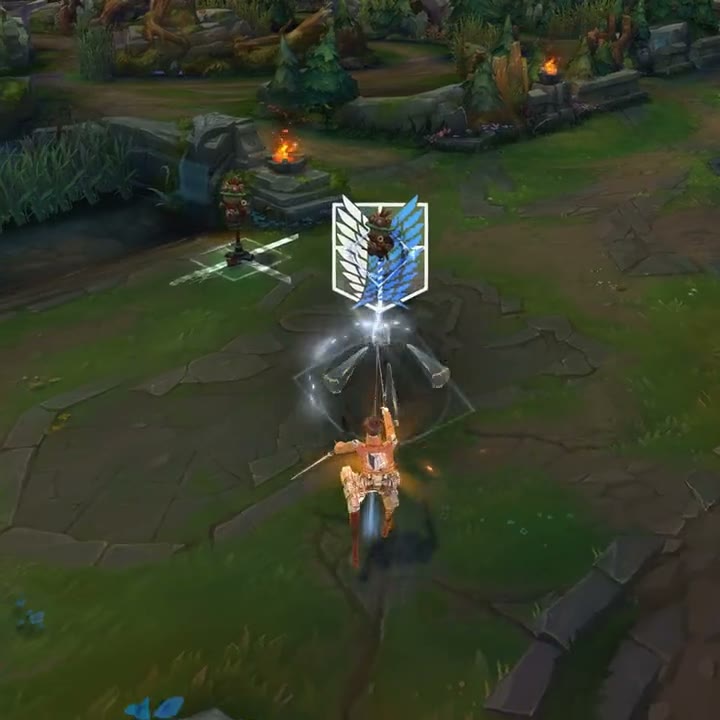
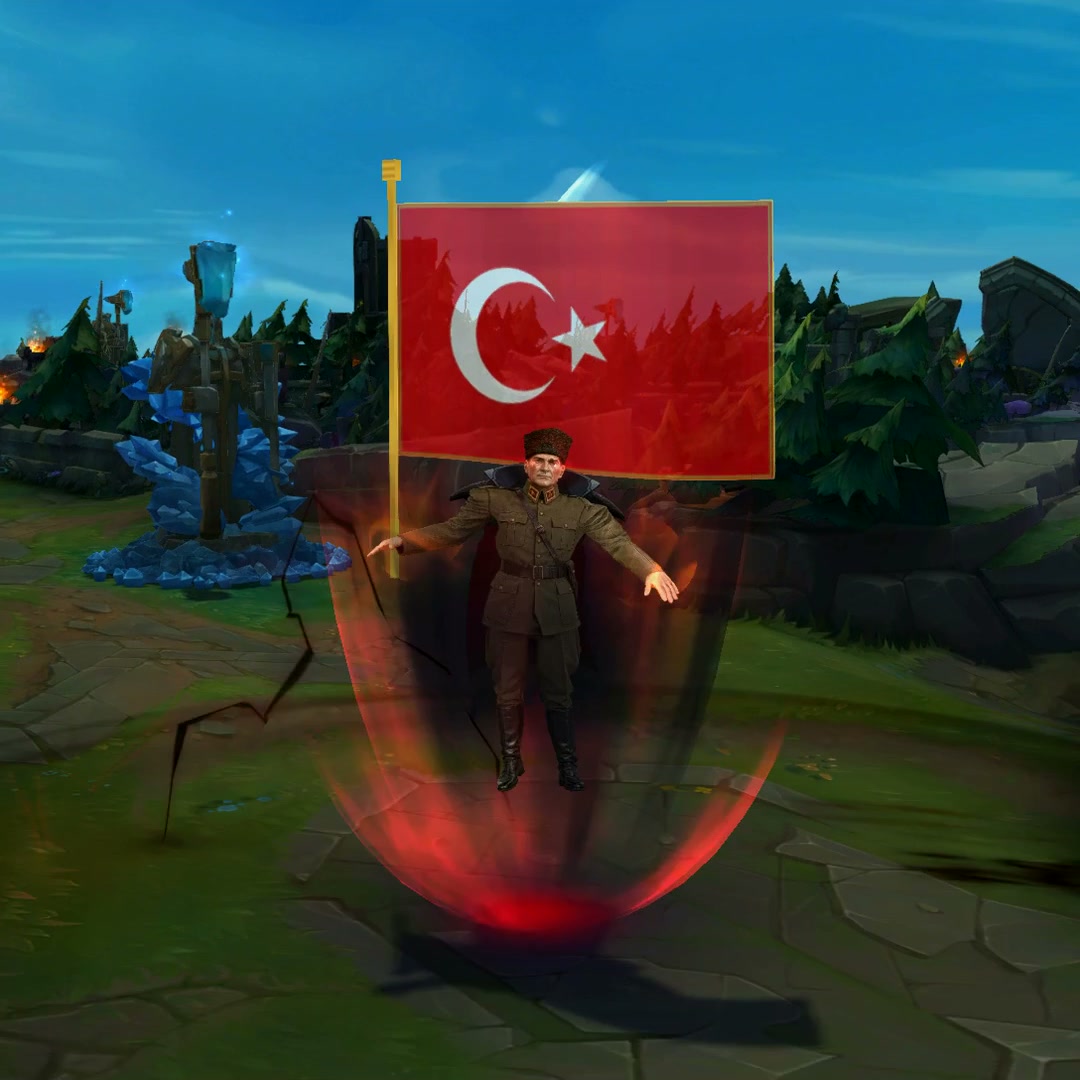
In-game clips
6 clips
R
Q · W
E
B
Ctrl+1 · Hadise
Ctrl+2 · Yin Yang
How to Install in 4 Steps
- Sign in: on My Skins, with Google or Discord.
- Download: with Premium active, the
Motive Zed package is in My Skins. - Open LTK Manager / cslol-manager: Drag and drop the
.fantome file into the app window. - Enable it and play: Tick the checkbox, press Run and pick the default (classic) Zed skin in game.