In-game clips
10 clipsHow to Install in 4 Steps
- Sign in: on My Skins, with Google or Discord.
- Download: the
Atatürk Azirpackage is in My Skins. - Open LTK Manager / cslol-manager: Drag and drop the
.fantomefile into the app window. - Enable it and play: Tick the checkbox, press Run and pick the default (classic) Azir skin in game.
Gallery
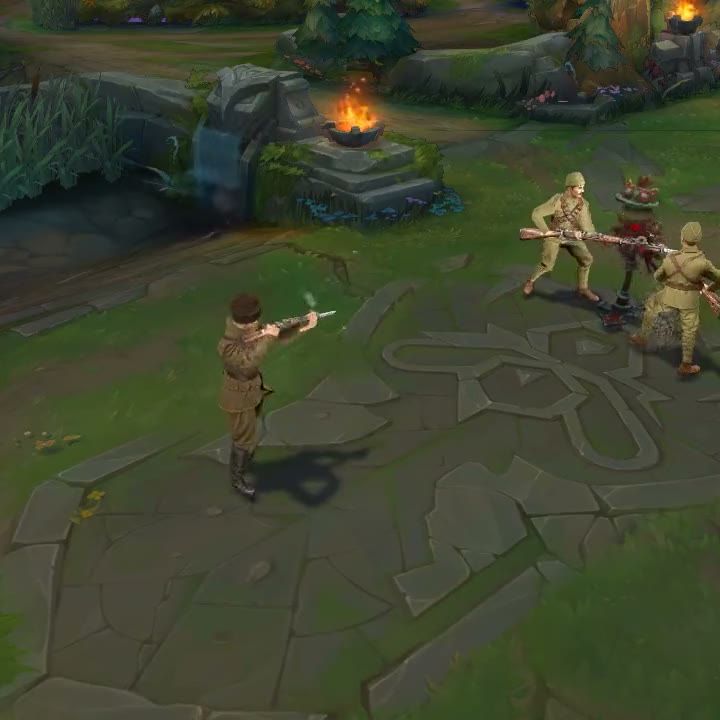


More skins
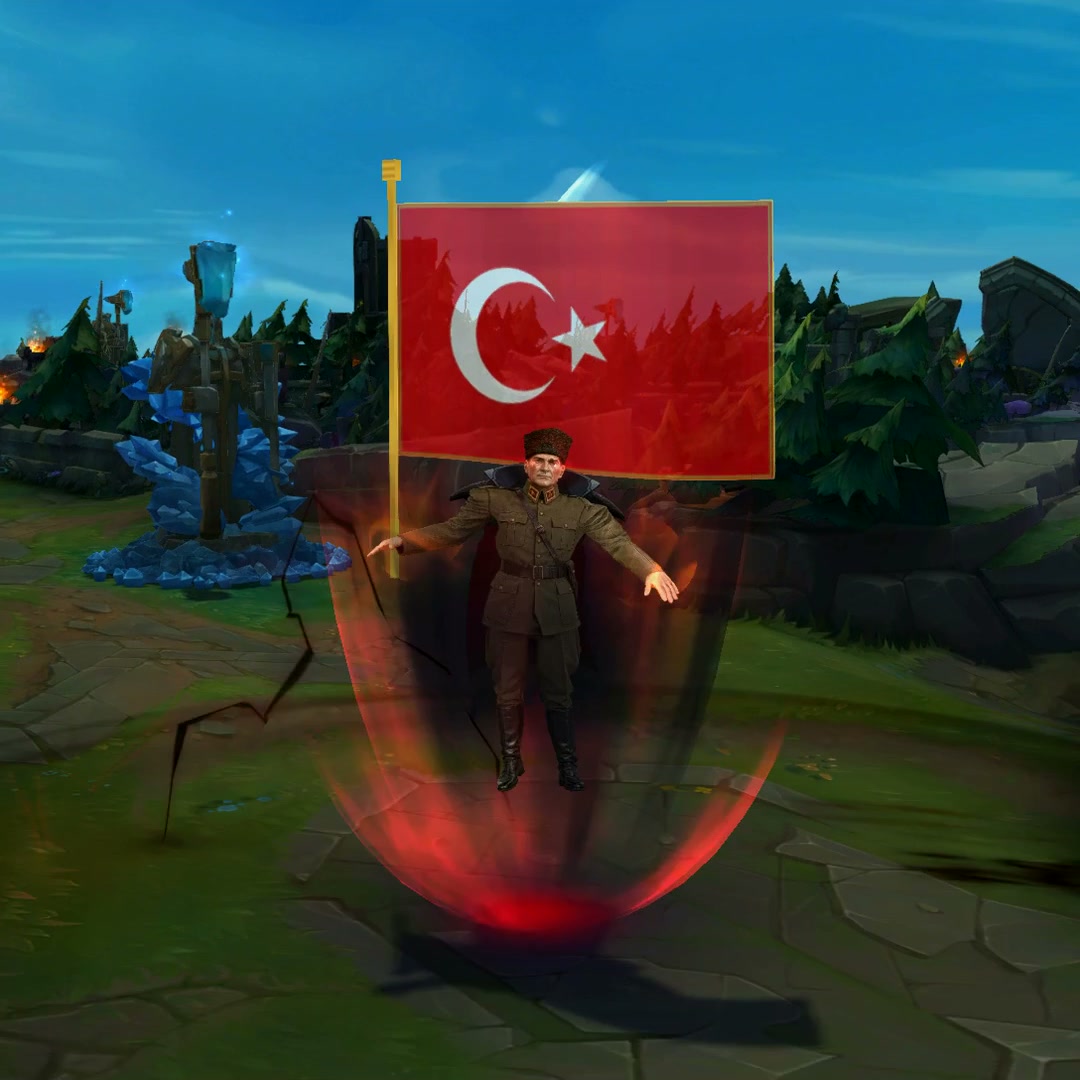
Atatürk Swain
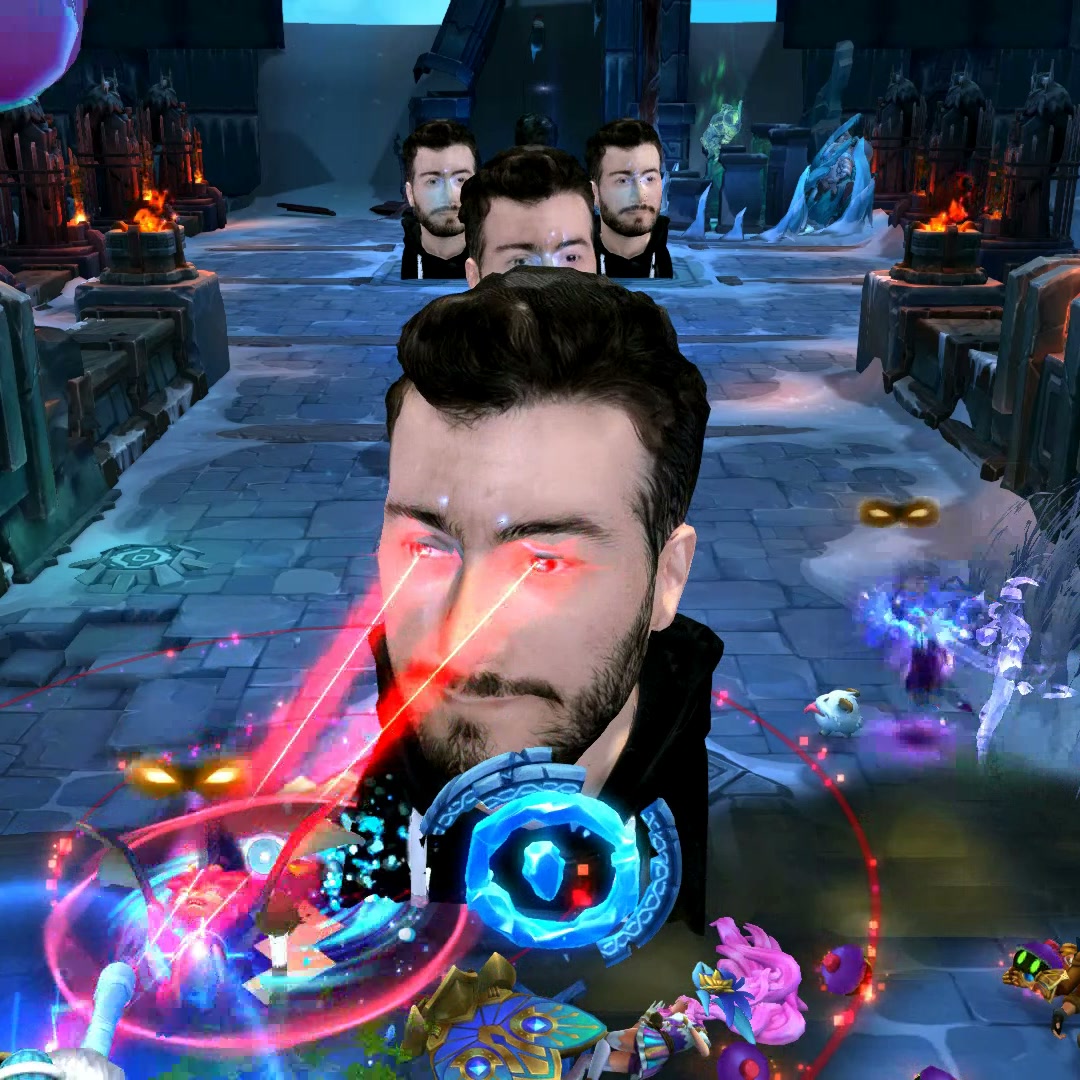
Enes Batur Kule

Hazreti Yasuo Garen

Hilal Yelekçi Akali
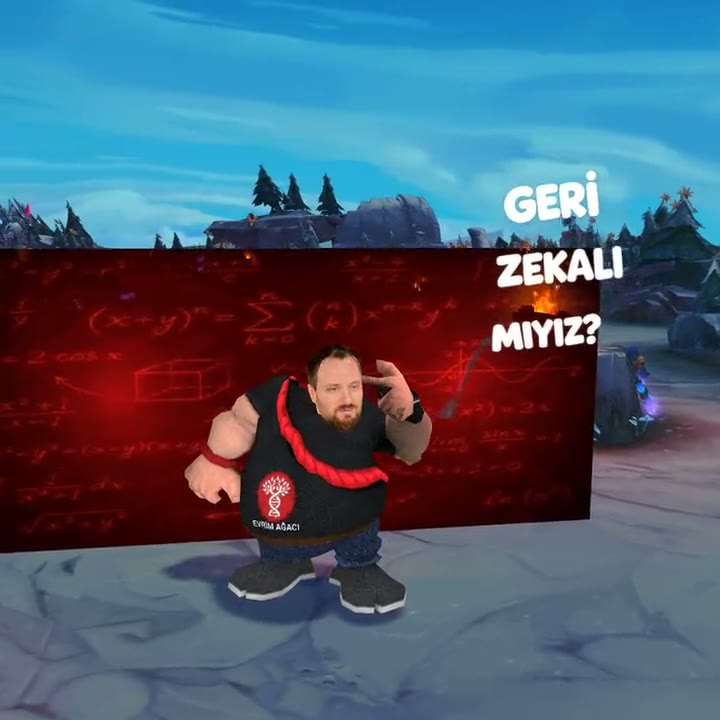
Evrim Ağacı Gragas

Hazreti Yasuo Master Yi
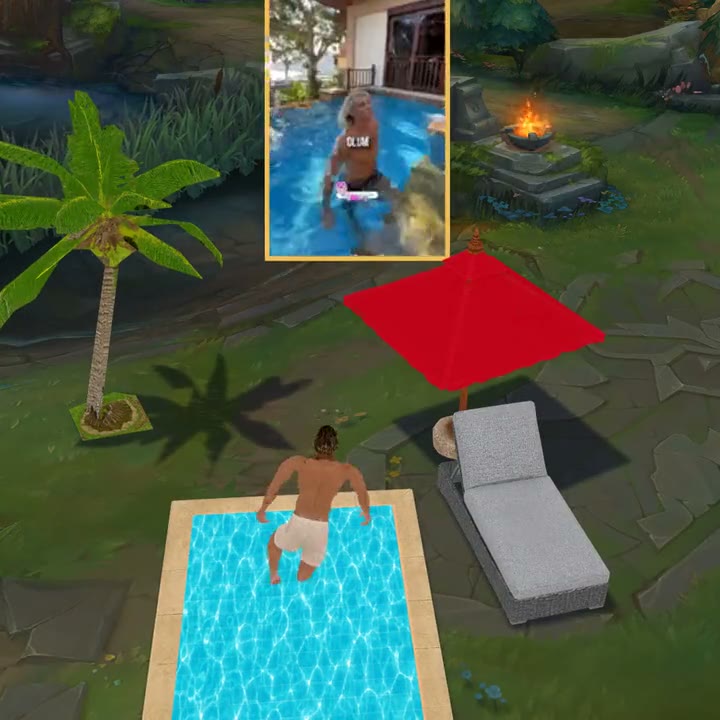
Lucifer Sett
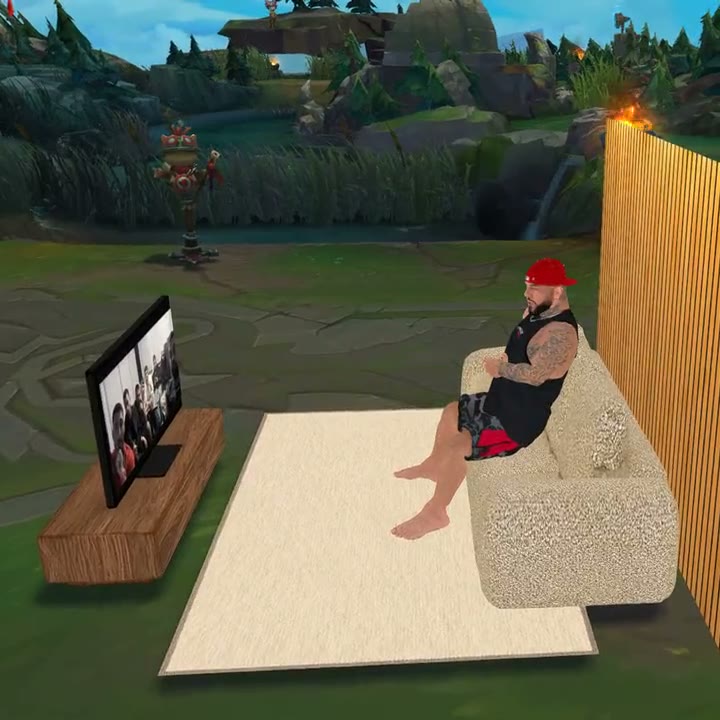
Tepki Lee Sin

Zoktay Ahri

Lvbel C5 Tahm Kench
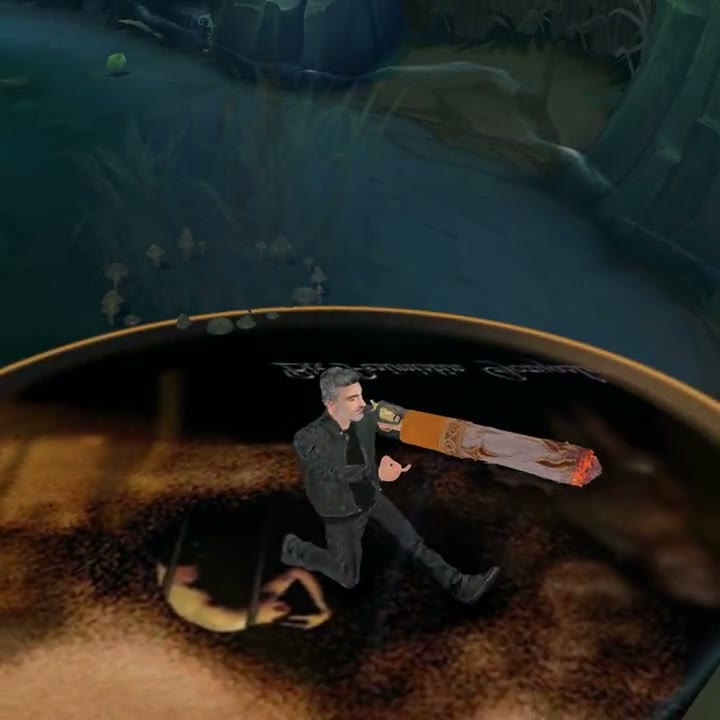
Sagopa Kajmer Jhin
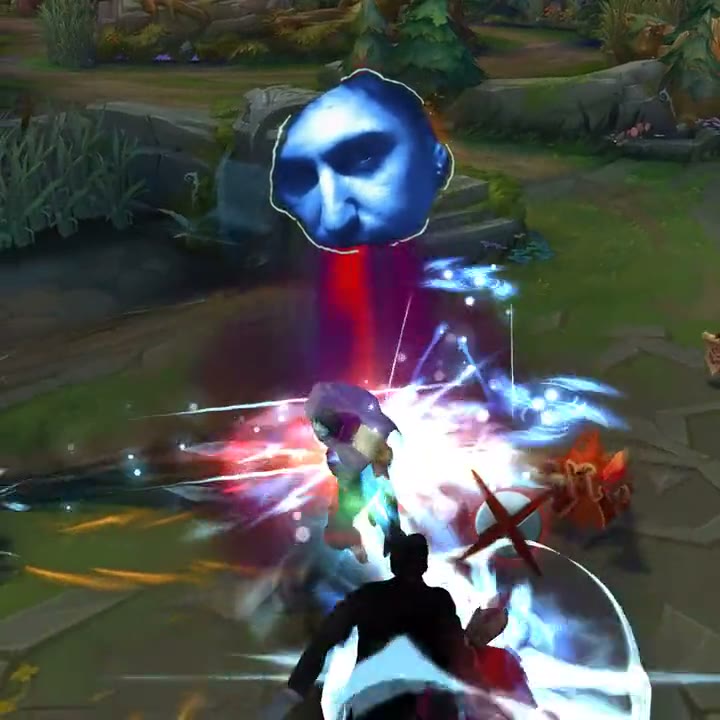
Motive Zed

Şehinşah Viego
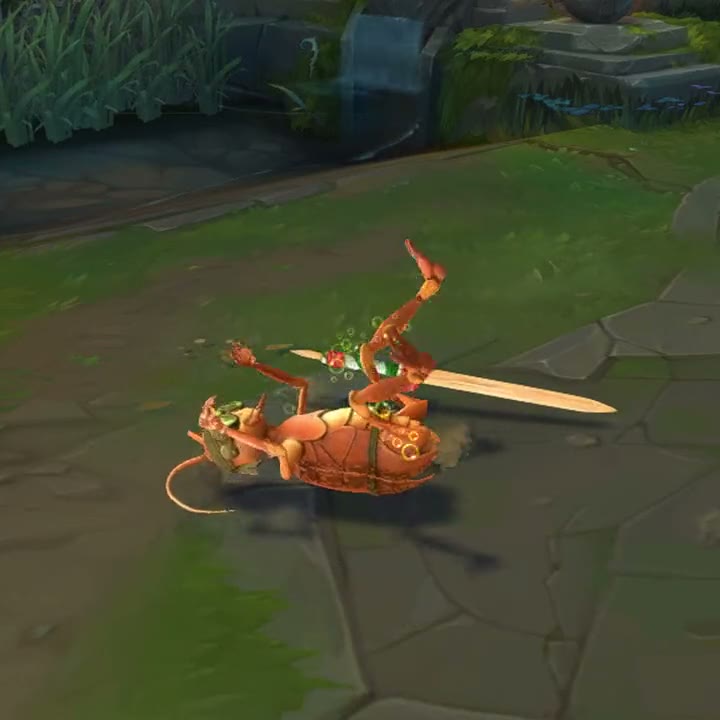
Cockroach Master Yi

Cockroach Kha'Zix
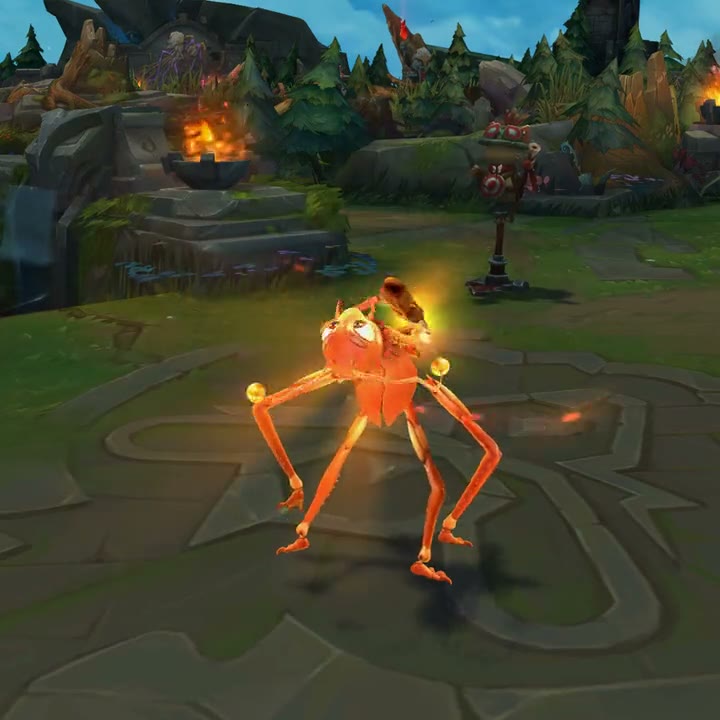
Cockroach Shaco
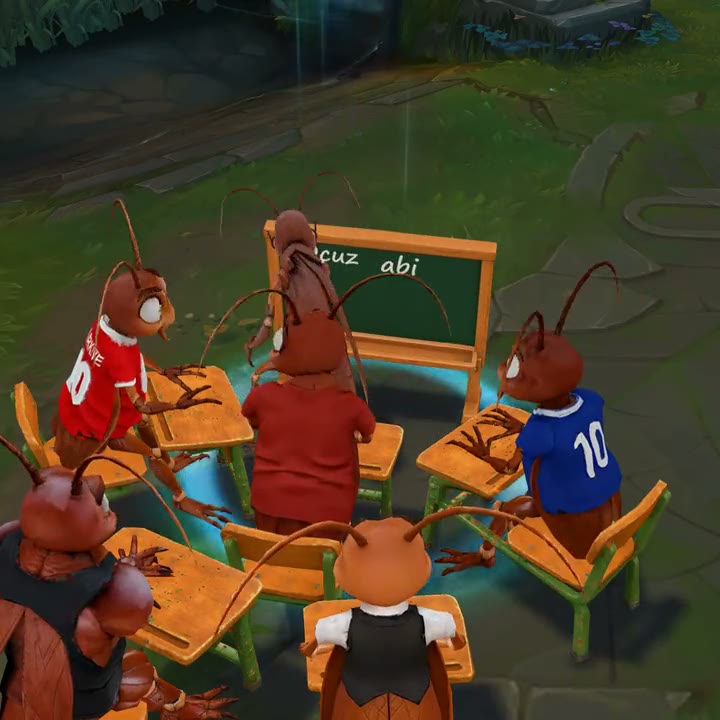
Cockroach Yasuo
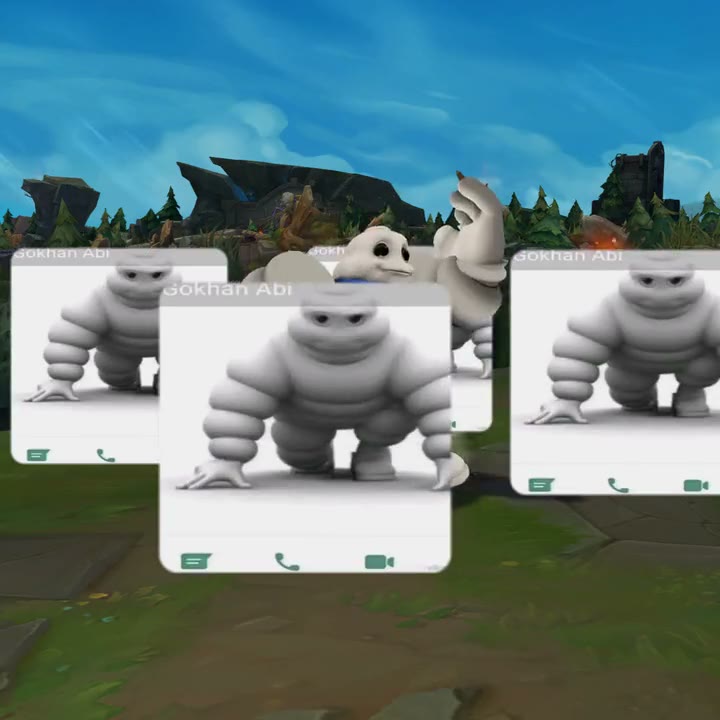
Michelin Malphite
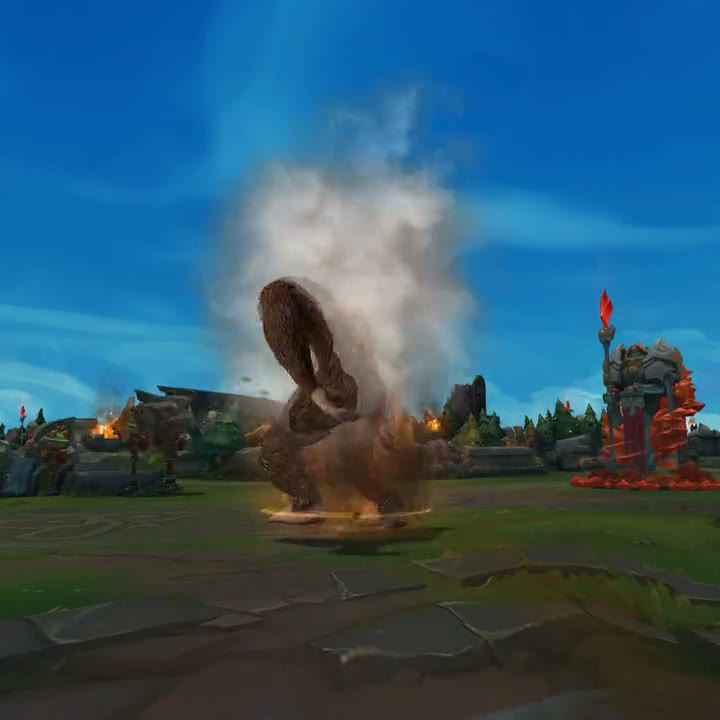
Zeke Yeager Gnar
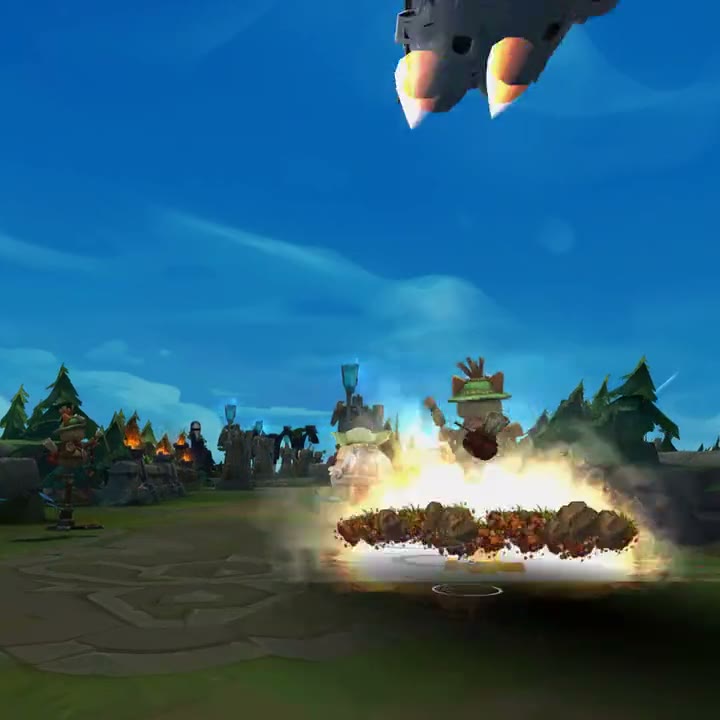
Baby Yoda Veigar
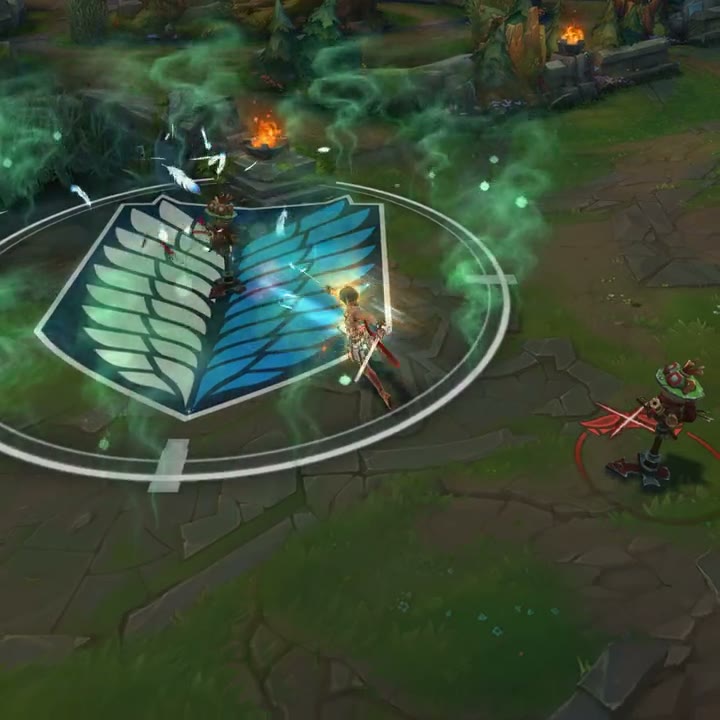
Mikasa Ackerman Fiora
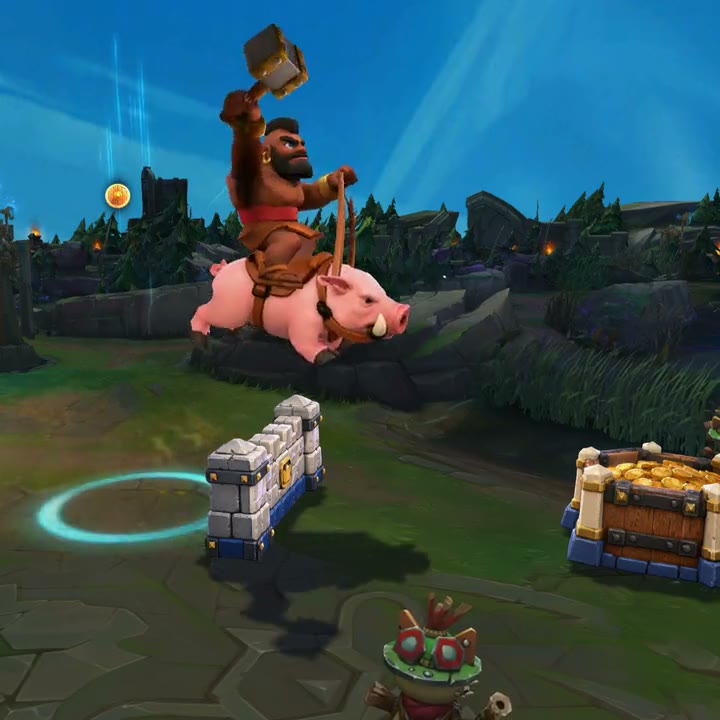
Hog Rider Sejuani
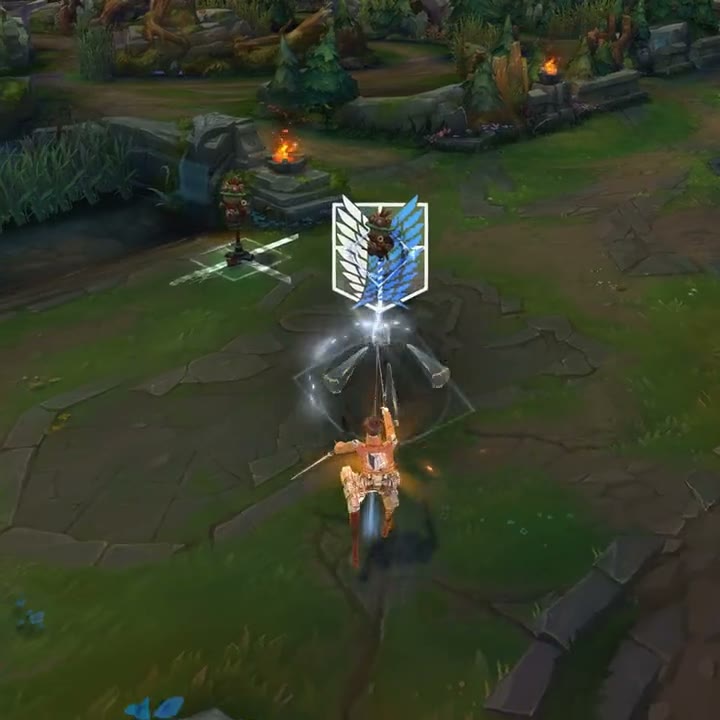
Levi Ackerman Akshan